
Computers have become central to modern life, shaping the way we work, learn, and interact. From industries to personal experiences, their influence is undeniable. In this blog series, we explore the evolution of computers, their components, applications across various sectors, and what the future holds. By the end, you’ll see just how deeply they impact our daily lives.
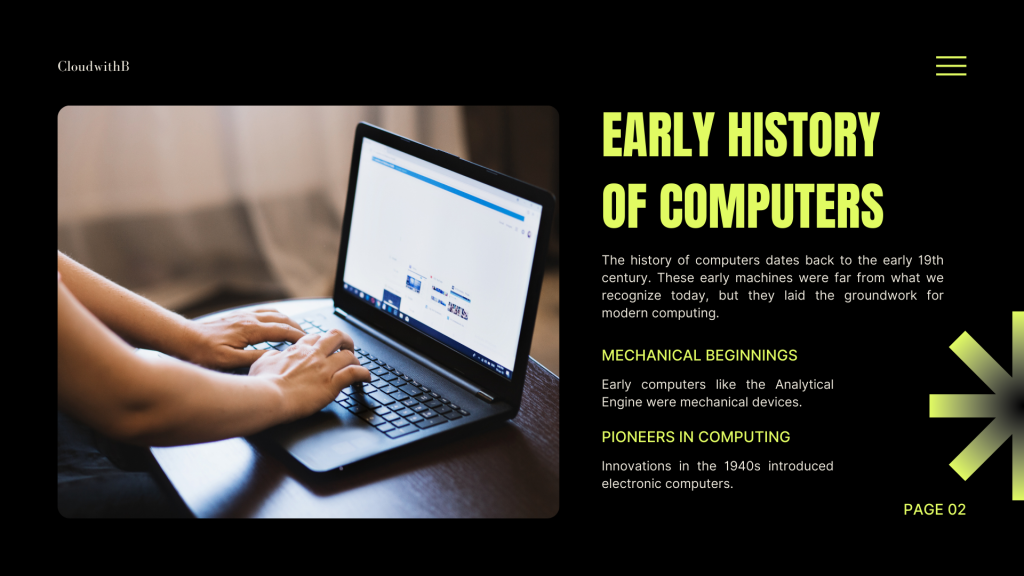
The story of computers begins in the early 19th century with mechanical devices like Charles Babbage’s Analytical Engine. These early machines were rudimentary but laid the groundwork for modern computing. By the 1940s, electronic computers emerged, significantly improving speed and reliability. These innovations set the stage for the digital revolution we experience today.
Fun fact: The first electronic computers occupied entire rooms but performed calculations far slower than today’s smartphones!
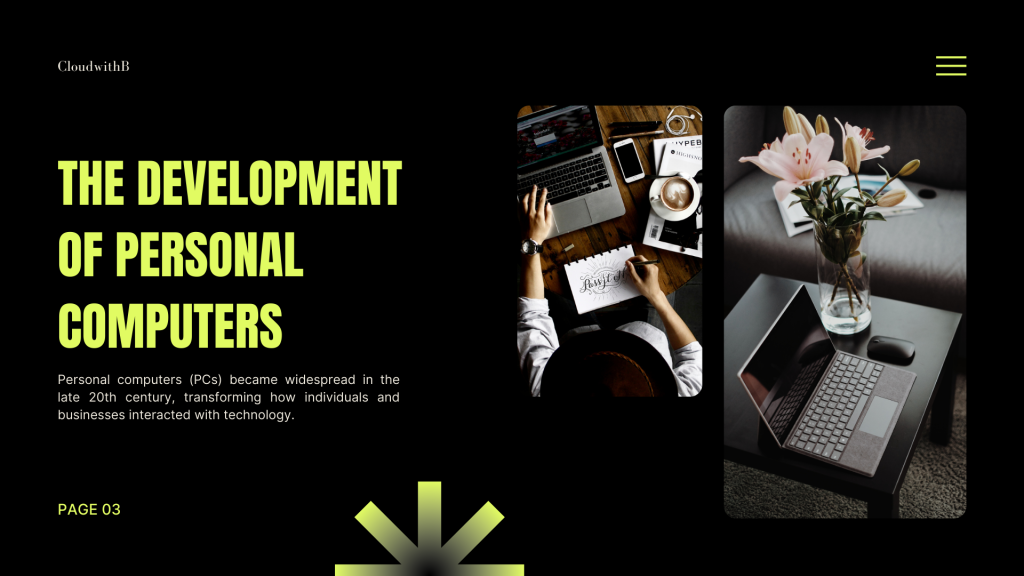
In the late 20th century, personal computers (PCs) became widely available. This transformed how individuals and businesses interacted with technology, putting computing power into homes and offices. PCs revolutionized communication, productivity, and entertainment, making technology accessible to millions worldwide.
Example: The launch of the IBM PC in 1981 and Apple’s Macintosh in 1984 brought computing into homes in a way that had never happened before.
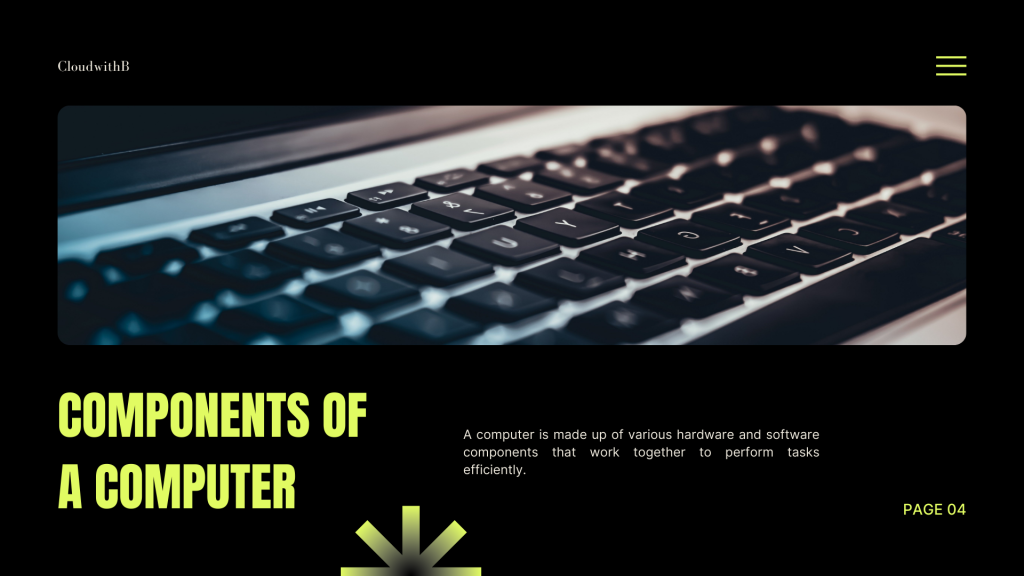
A computer is a system of hardware and software working together to perform tasks efficiently. Key components includes:
• CPU (Central Processing Unit): Executes instructions and calculations.
• Memory (RAM): Provides fast, temporary storage for tasks in progress.
• Storage Devices: Preserve the operating system, applications, and files.
• Operating System: Bridges hardware and users, enabling programs to run smoothly.
Each component is vital, and even a small weakness can affect overall performance.
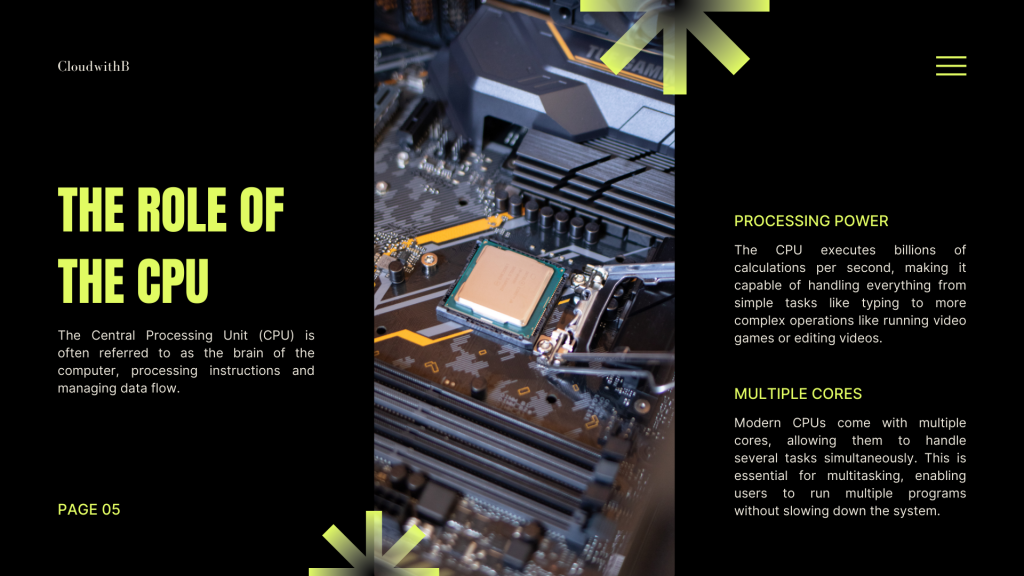
Often called the “brain” of the computer, the CPU executes billions of calculations per second. It powers everything from typing documents to complex video editing. Modern CPUs have multiple cores, allowing for multitasking and smoother performance across applications.
Pro tip: For tasks like gaming or video editing, a CPU with more cores can significantly boost speed and responsiveness.
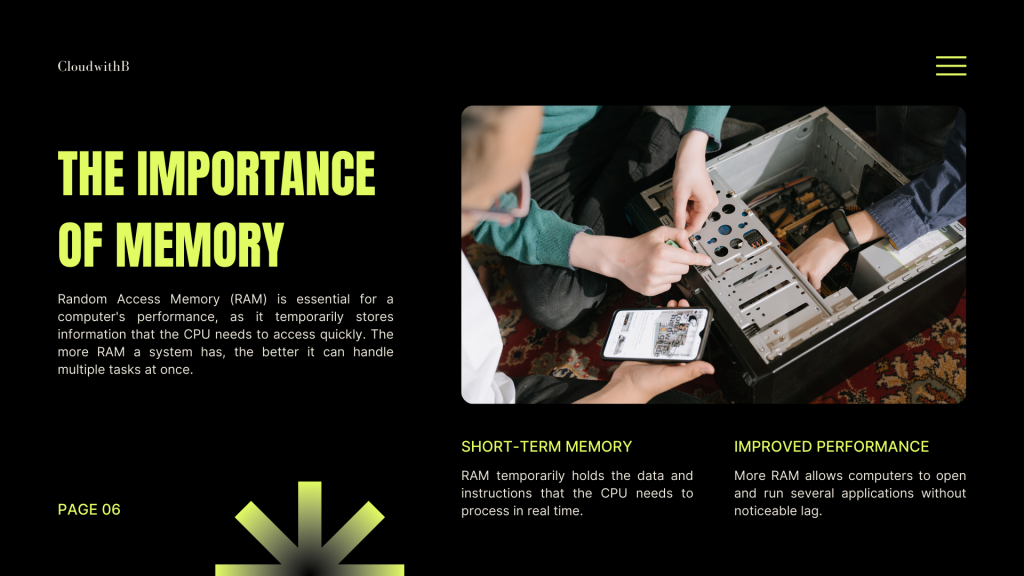
Random Access Memory (RAM) is crucial for a computer’s speed. It temporarily stores the data the CPU needs in real time. More RAM allows a computer to run multiple applications simultaneously, reducing lag and improving responsiveness.
Tip: If your computer feels slow while multitasking, upgrading RAM is often one of the simplest ways to improve performance.
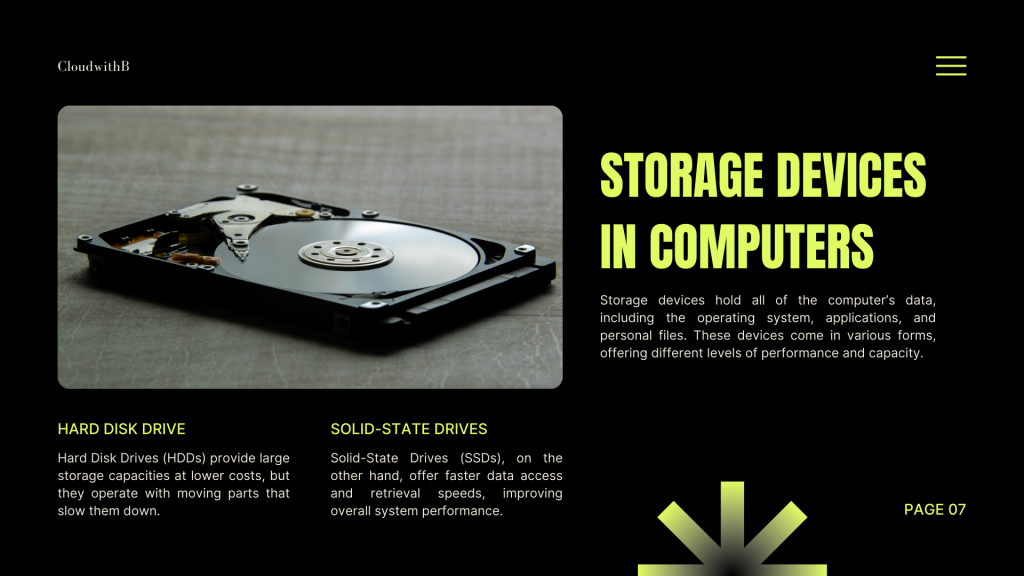
Storage devices preserve all data, from operating systems to personal files. The two main types are:
• Hard Disk Drives (HDDs): Large capacity at lower cost but slower due to moving parts.
• Solid-State Drives (SSDs): Faster data access, improving overall system speed.
Choosing the right storage affects speed, efficiency, and your overall computing experience.
Operating systems (OS) act as the bridge between hardware and users. Popular options include Windows, macOS, and Linux. They provide user interfaces, manage resources, and allow other software to function. A well-optimized OS ensures smooth and efficient computer operation.

Computer networks connect devices locally and globally, forming the backbone of the internet. This connectivity has transformed communication, enabling instant data exchange, collaboration, and access to information anywhere in the world.
Example: Remote work, online learning, and cloud computing all rely on strong networks.
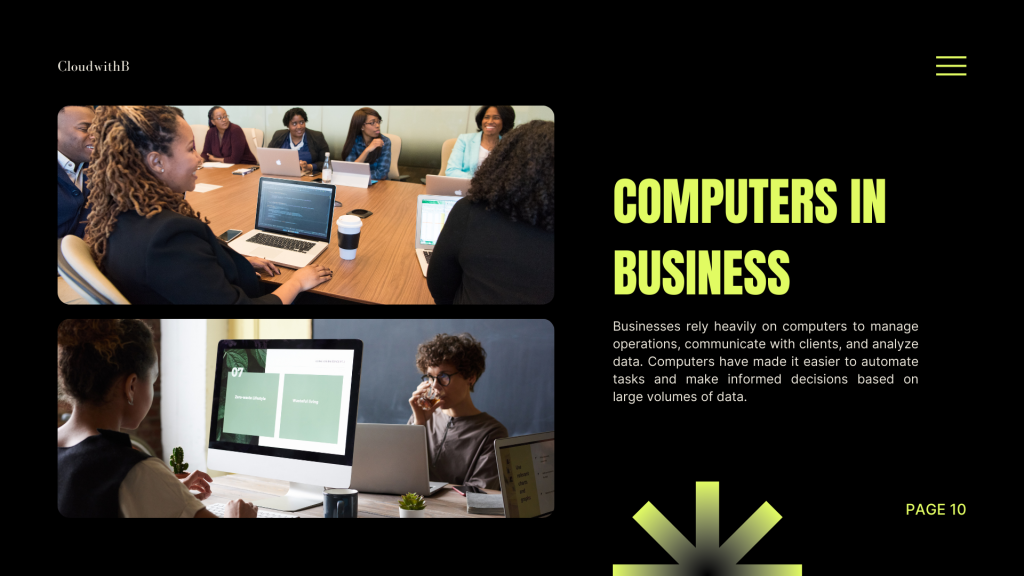
Businesses depend on computers to manage operations, communicate with clients, and analyze data. Automation and data-driven decision-making have improved efficiency, allowing companies to scale and compete in global markets.
Example: Small businesses can now track inventory, manage finances, and reach customers worldwide using simple computer tools.
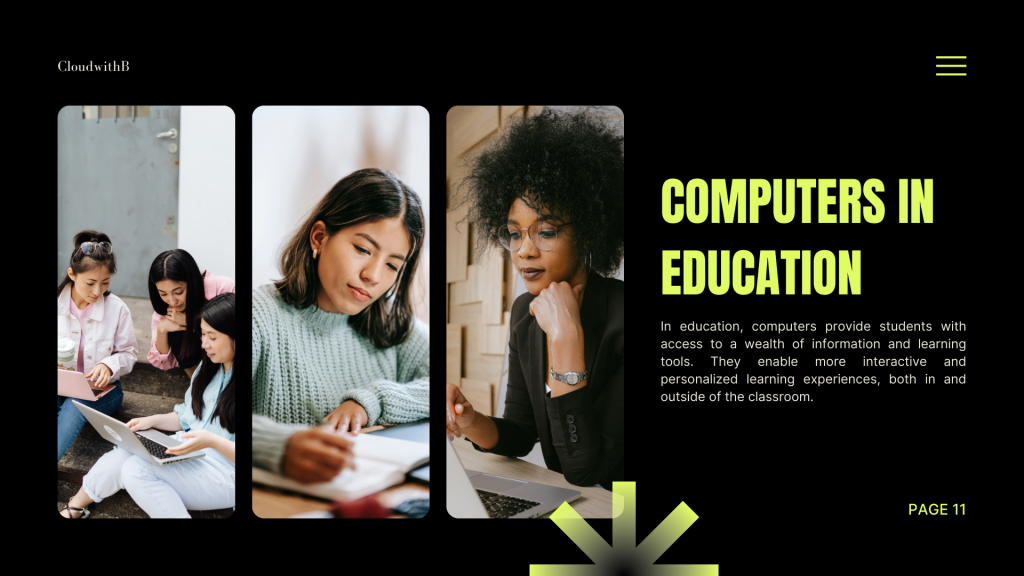
In education, computers provide students with access to vast information and interactive tools. They support personalized learning, making education more engaging and effective inside and outside the classroom.
Example: Online learning platforms like Khan Academy or Coursera rely on computers to deliver lessons globally.
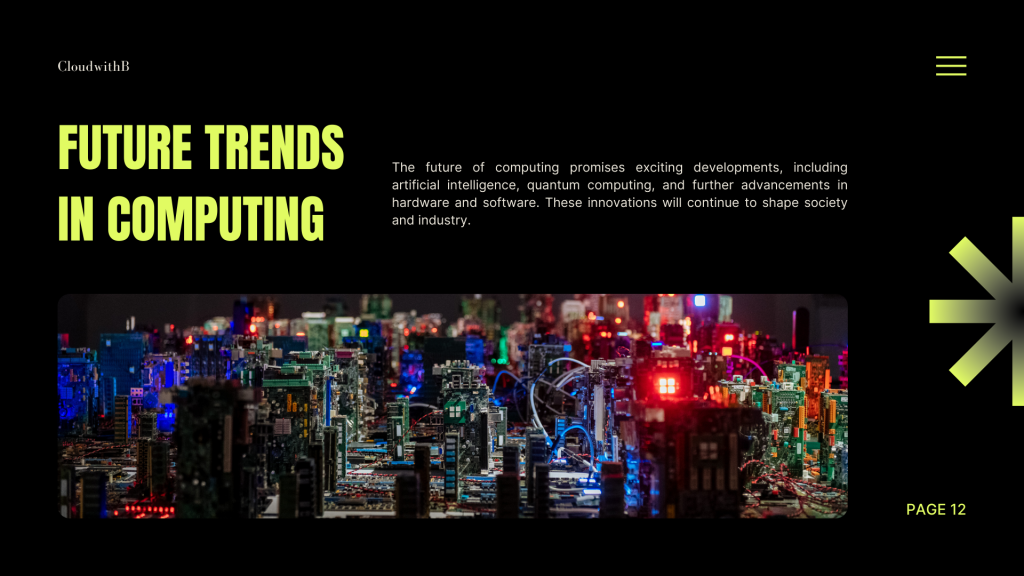
The future promises breakthroughs in artificial intelligence, quantum computing, and hardware innovation. These advancements will reshape industries, society, and daily life, offering exciting new opportunities and challenges.
Example: AI-powered assistants are already changing how we interact with technology, and quantum computing could revolutionize problem-solving in science and business.

With increased reliance on computers, cybersecurity is critical. Threats like malware, phishing, and ransomware require strong defenses, including encryption, firewalls, and regular updates. Protecting data ensures privacy, maintains trust, and prevents costly breaches.
Tip: Always keep your software updated and use strong, unique passwords to safeguard your information.

Conclusion
Computers have profoundly impacted modern society — from business and education to communication and entertainment. As technology evolves, their role will only grow, driving innovation and transformation across all sectors.

We hope you enjoyed this series! Feel free to leave your thoughts or questions below.


Leave a Reply